Registration and Account Creation
Follow these steps to create a Myket developer account:
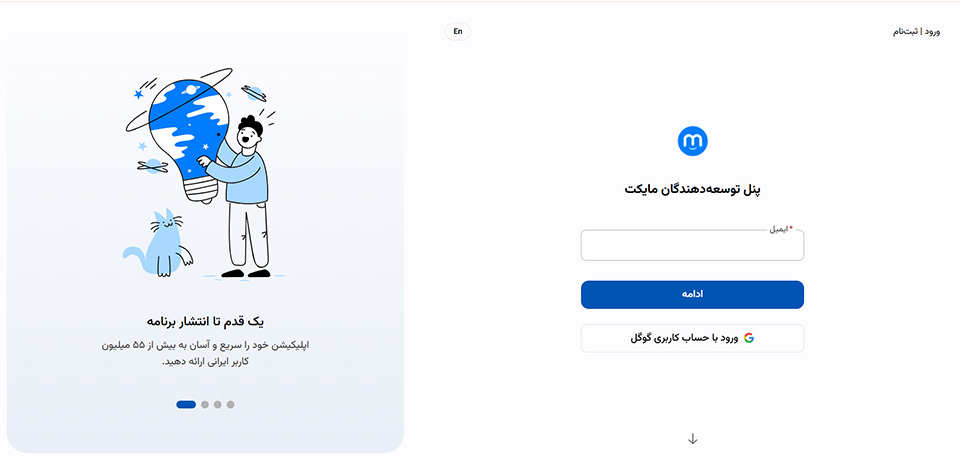
1. First, open Myket's Developer Panel.
2. In the “Sign in / Register” box, you can create a developer account in either of these ways:
- Use the email field: Enter the email address you want to use to create your developer account.
- Use “Sign in with Google”: Select this option if you want to create your developer account using your Google account.
3. Select Continue.
Choose your developer account's email address carefully. Once the account has been created, the email address cannot be changed.
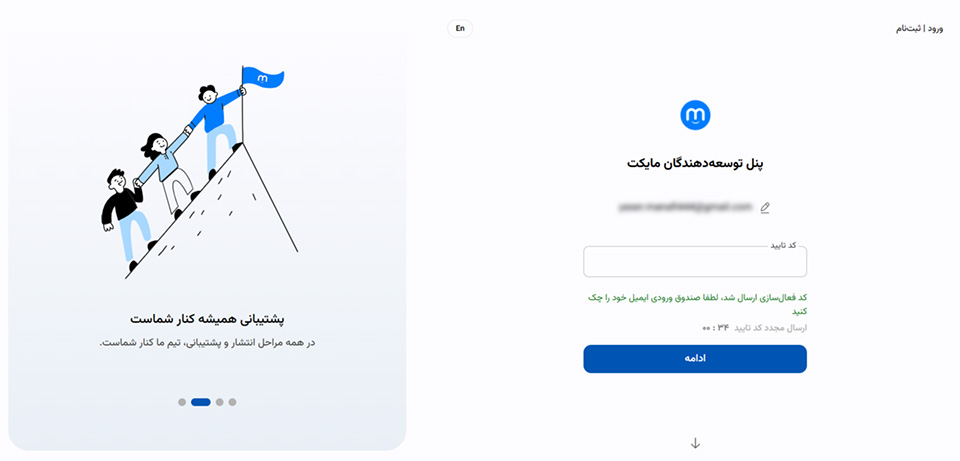
4. Enter the activation code sent to your email address, then select “Continue.”
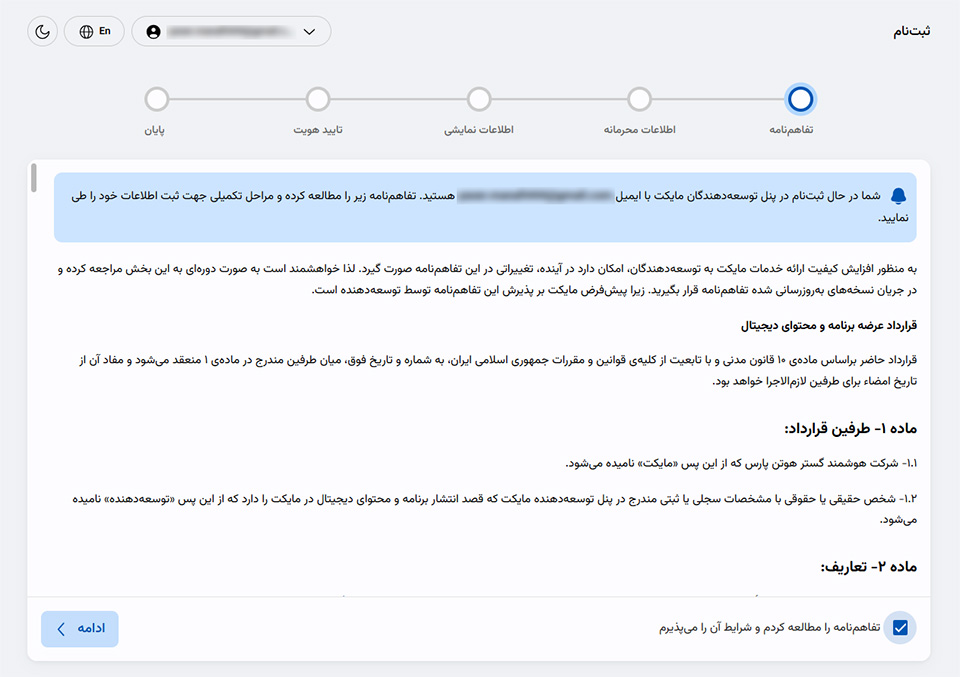
5. After entering your email address, you reach the Agreement page. Read the agreement and Myket's cooperation terms, select I have read the agreement and accept its terms, then choose “Continue” to proceed with registration.
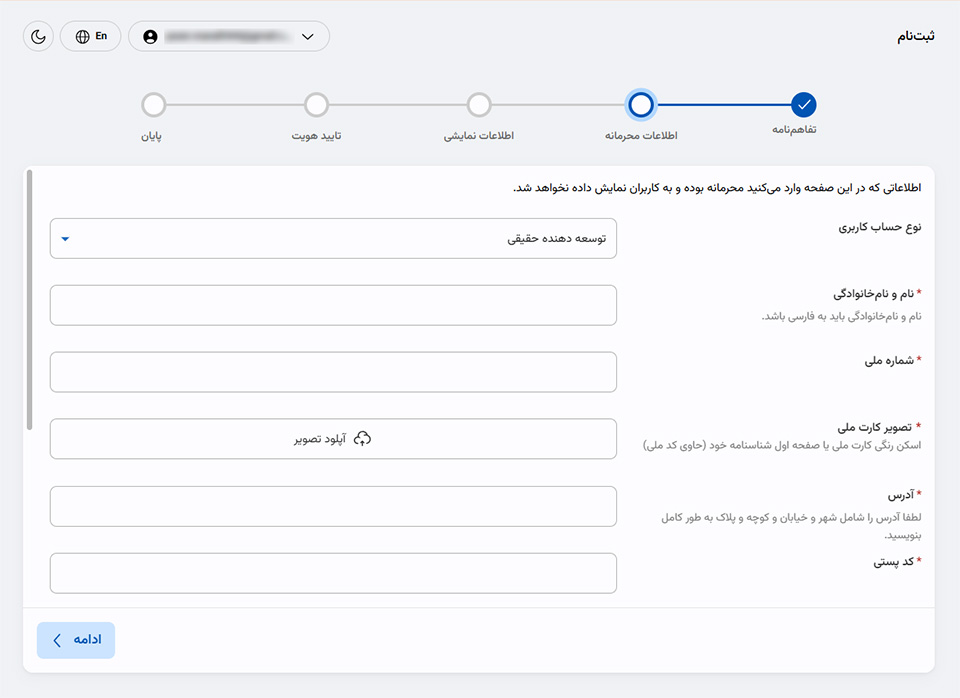
6. The Confidential information page now appears. Complete the required information, including account type, identity information, residential address, and a password for signing in to Myket's developer panel, then select Continue.
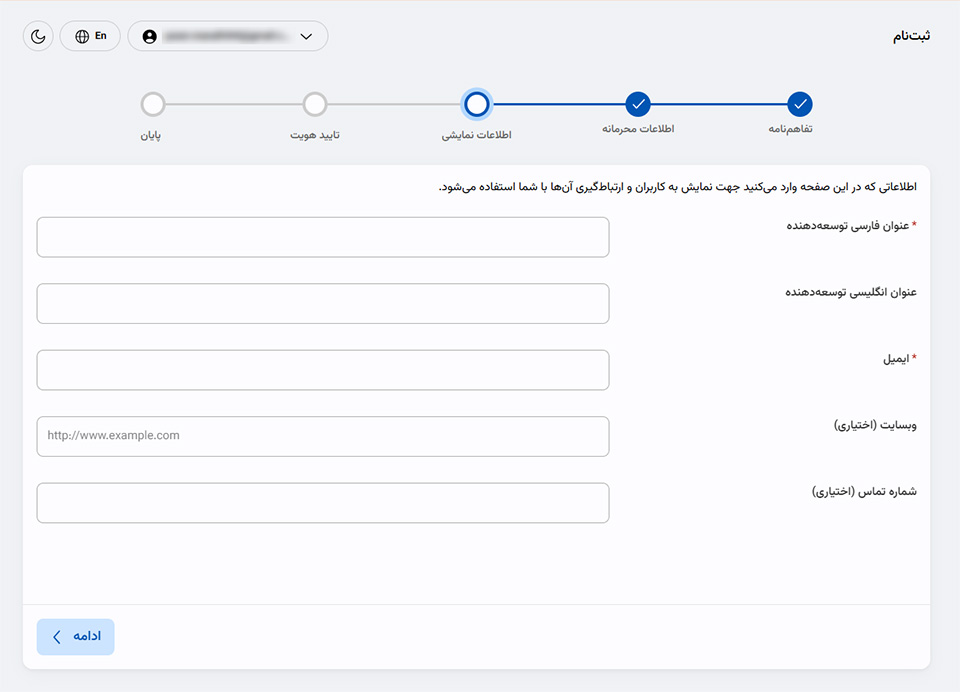
7. On the Display information page, enter the information you want users to see: the developer's Persian title, email address, English title, website, and contact number.
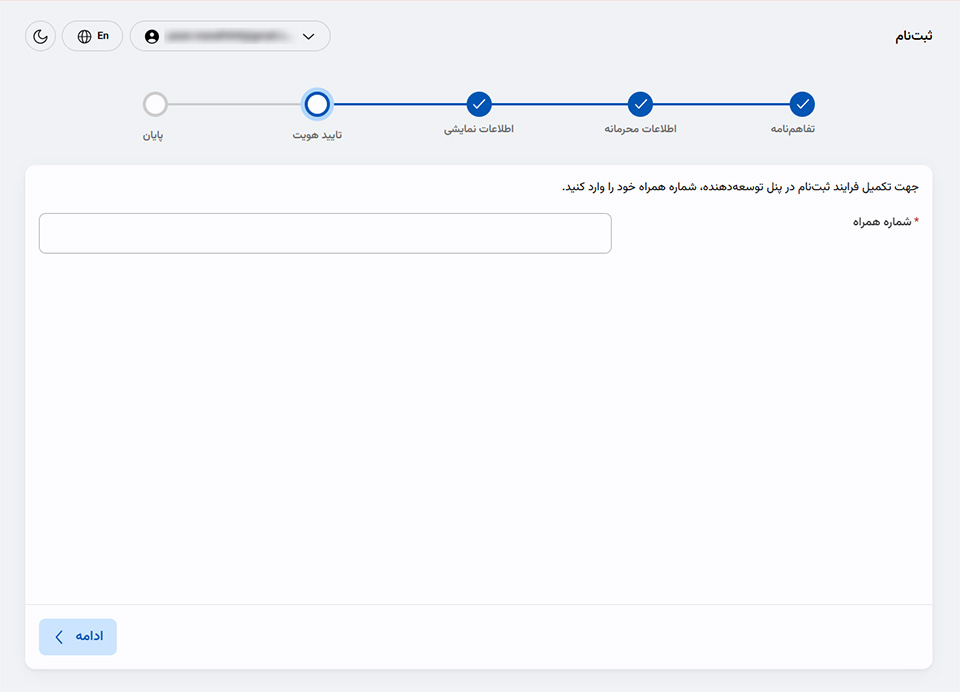
8. On the identity verification page, enter your mobile number in the designated field.
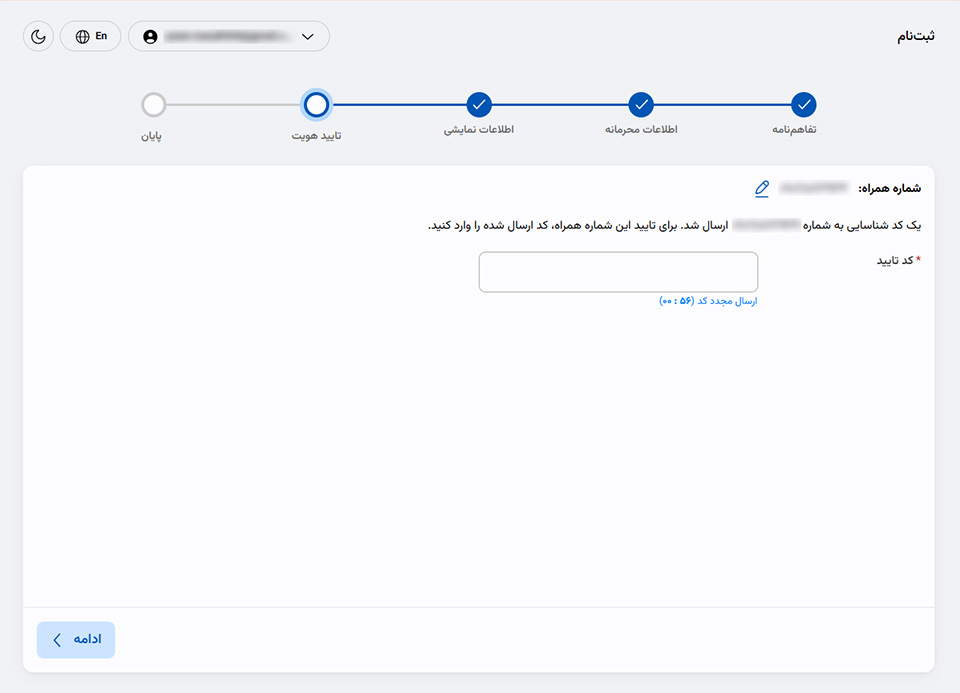
After selecting Continue, you will receive a verification code. Enter it in the relevant field and select Continue again.
After entering the verification code, registration is complete and you join Myket's developers.
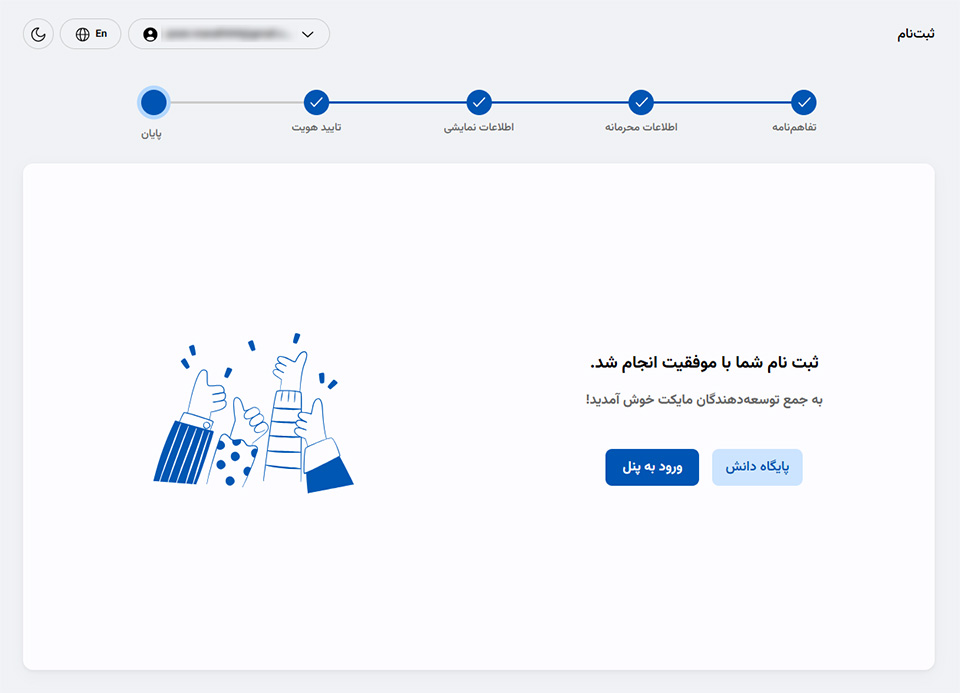
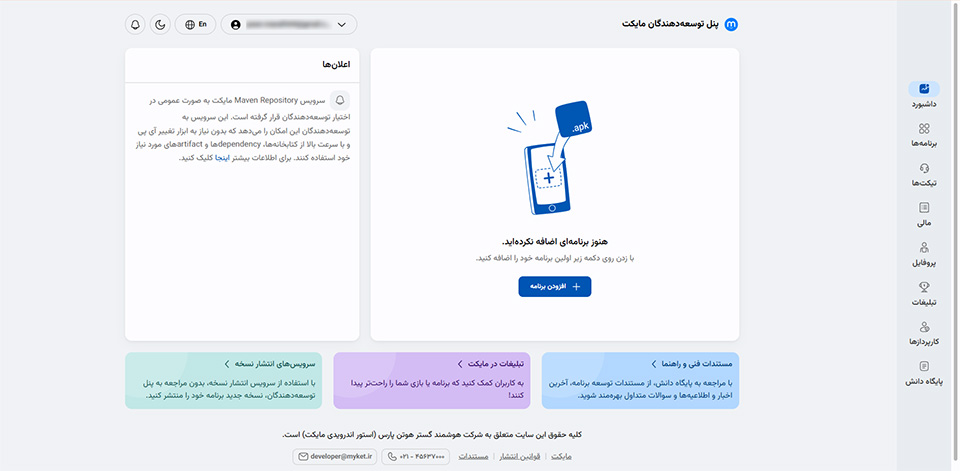
Select Enter panel to open Myket's developer panel.