Choosing Screenshots
An app's screenshots, icon, and description are important tools for introducing it to audiences and users on Myket. Screenshots give users an accurate picture of what they will encounter after installation and familiarize them with its content.
- Keep the following points in mind so screenshots introduce your app correctly to Myket users:
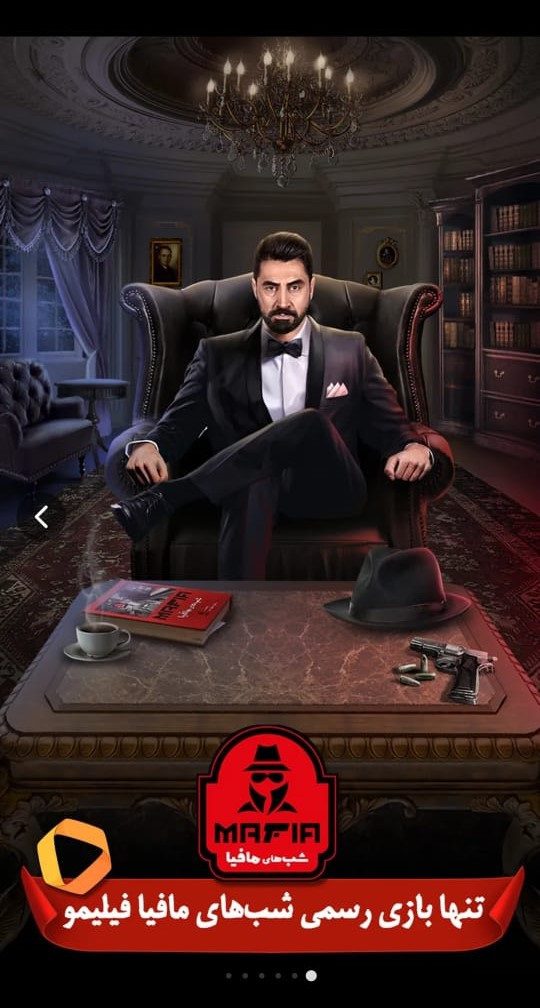
- The first screenshot introduces the app's nature and must immediately convey accurate information about the overall character of its content.
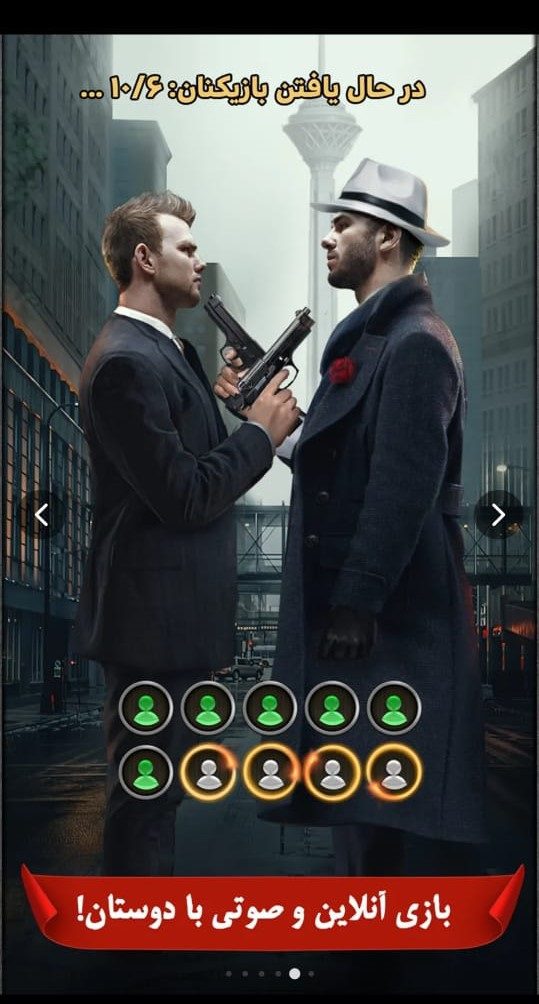
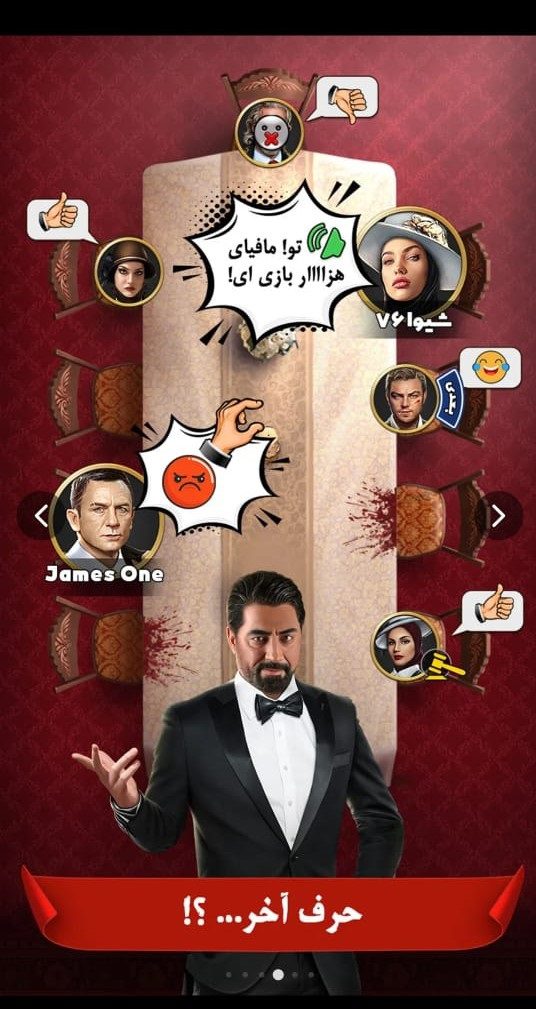
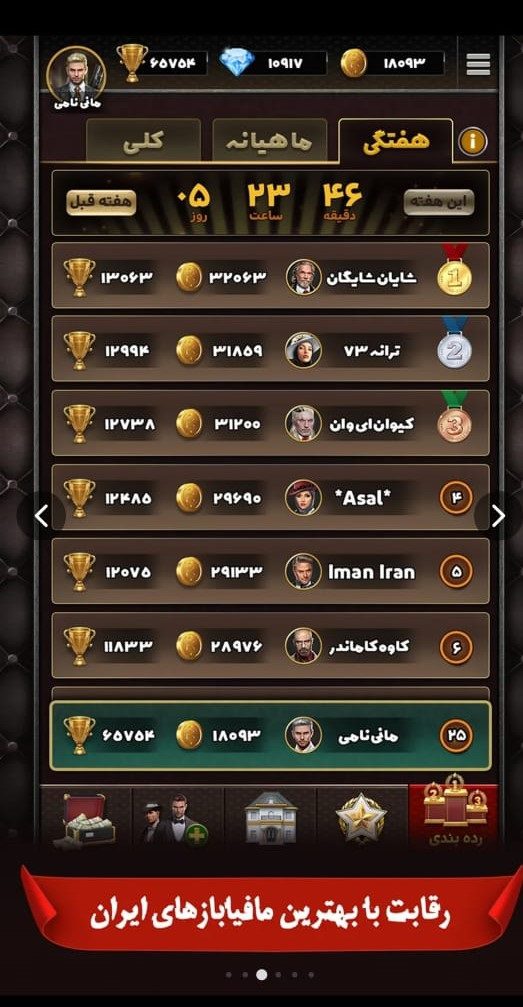
- Subsequent screenshots must show features and visual design in a way that encourages users to install the app.
The following images are good examples of screenshots that correctly introduce apps to Myket users:
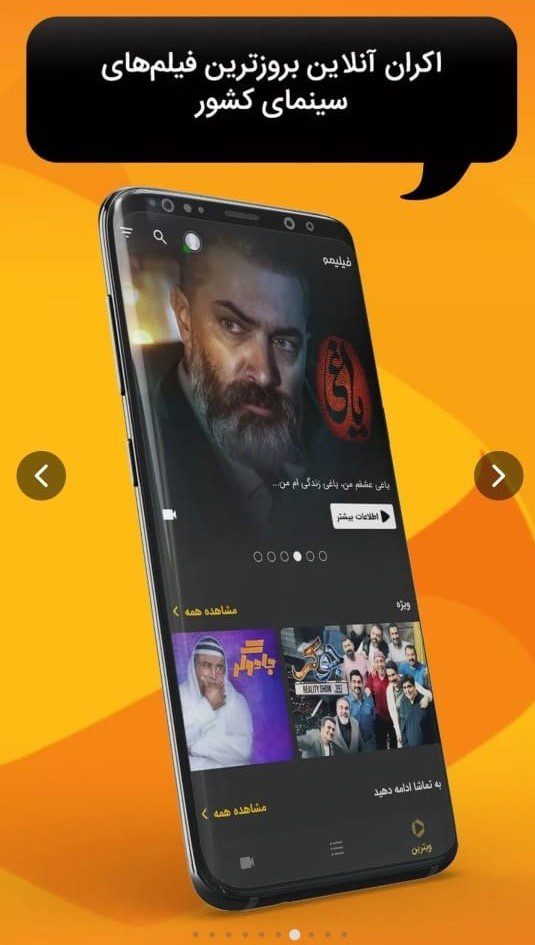
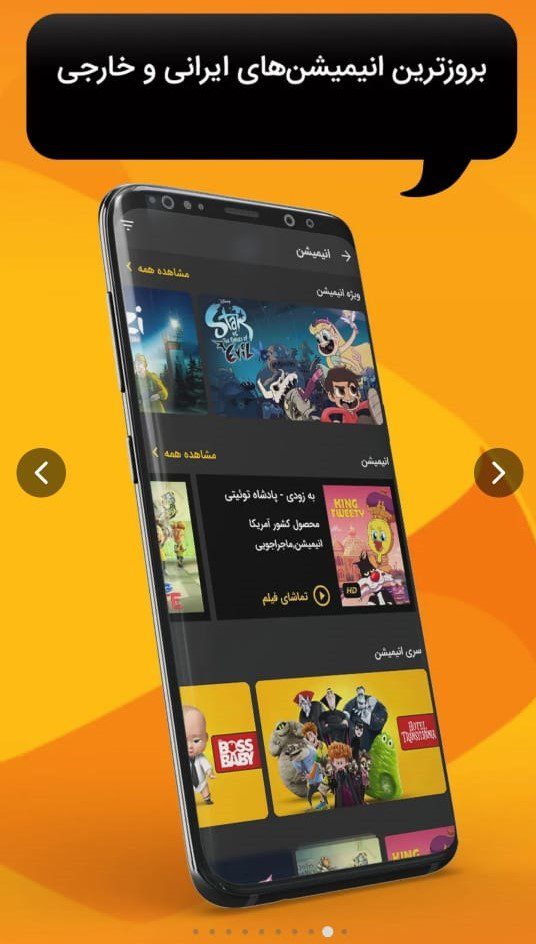
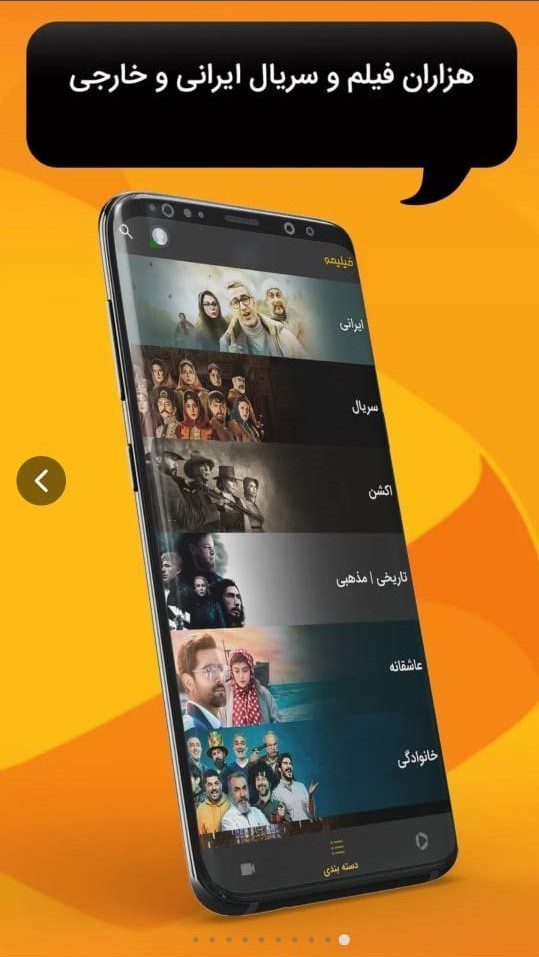
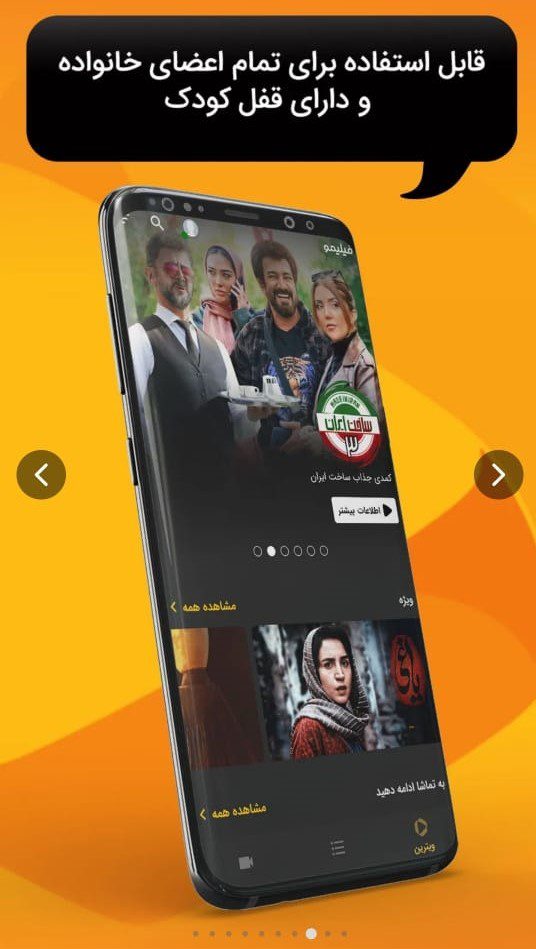
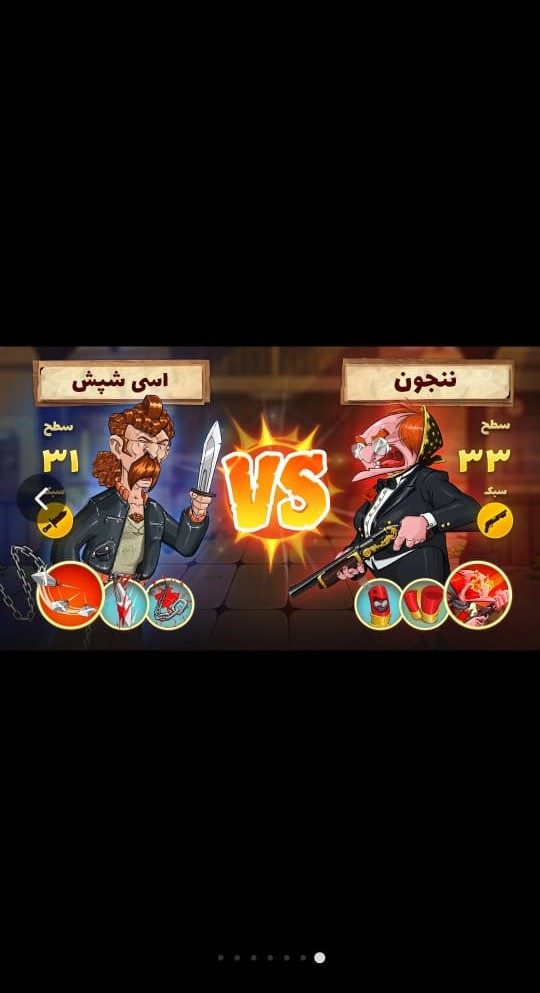
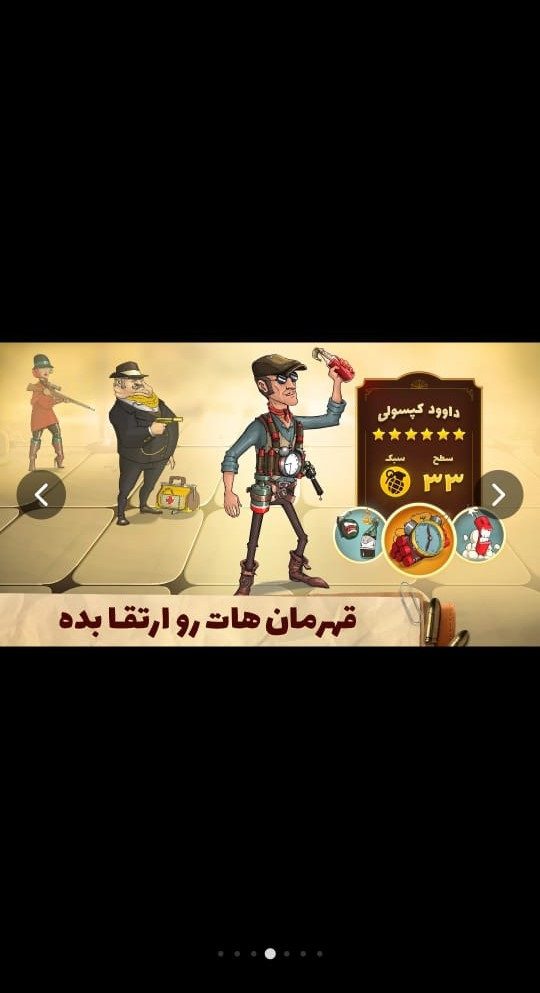
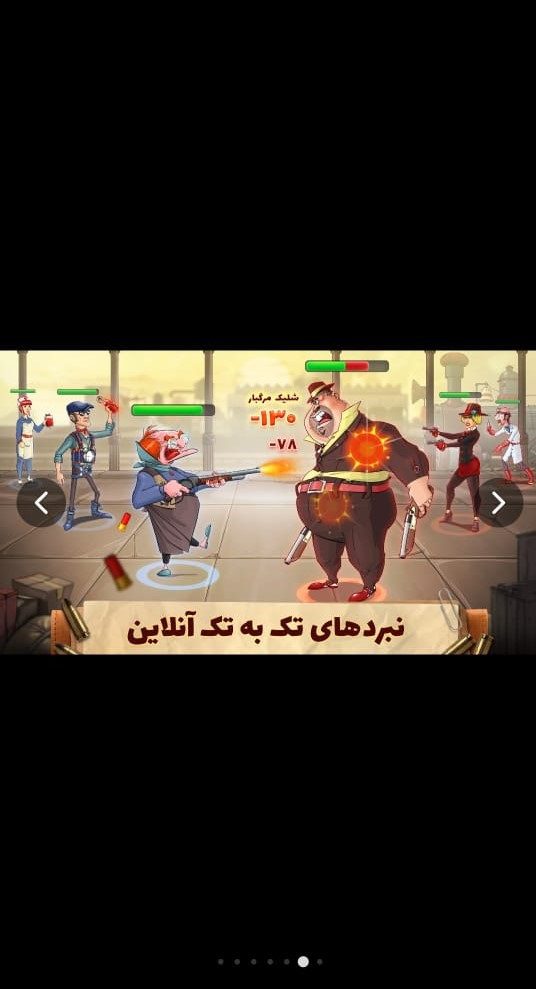
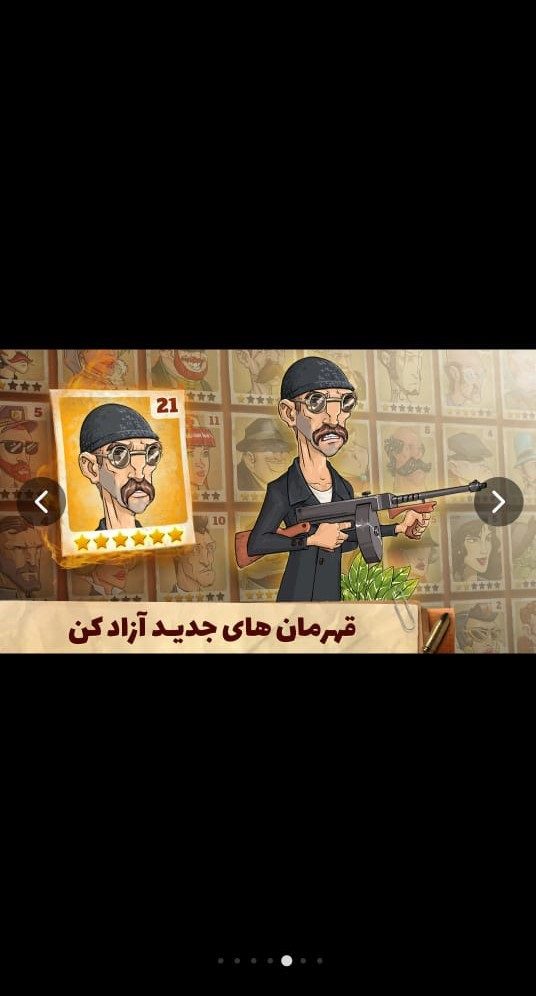
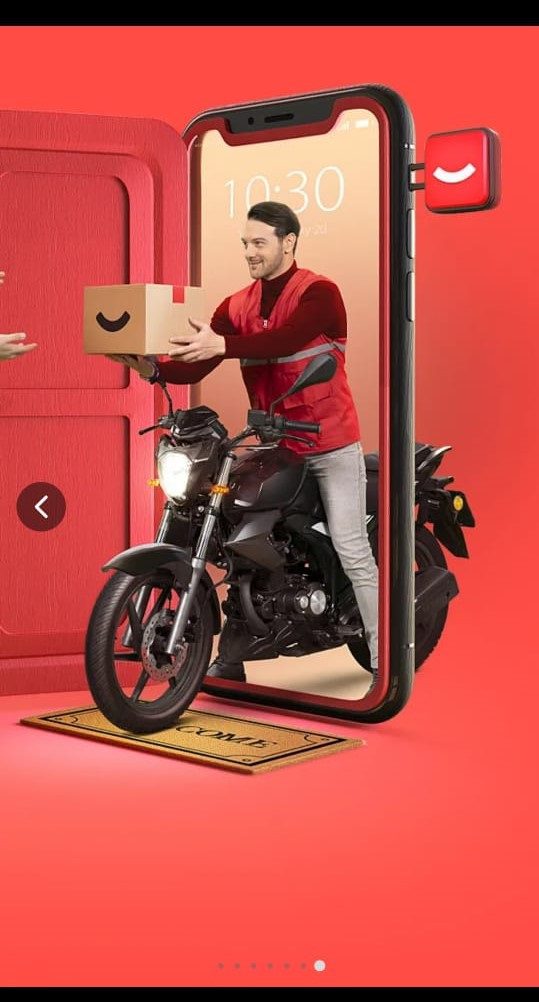
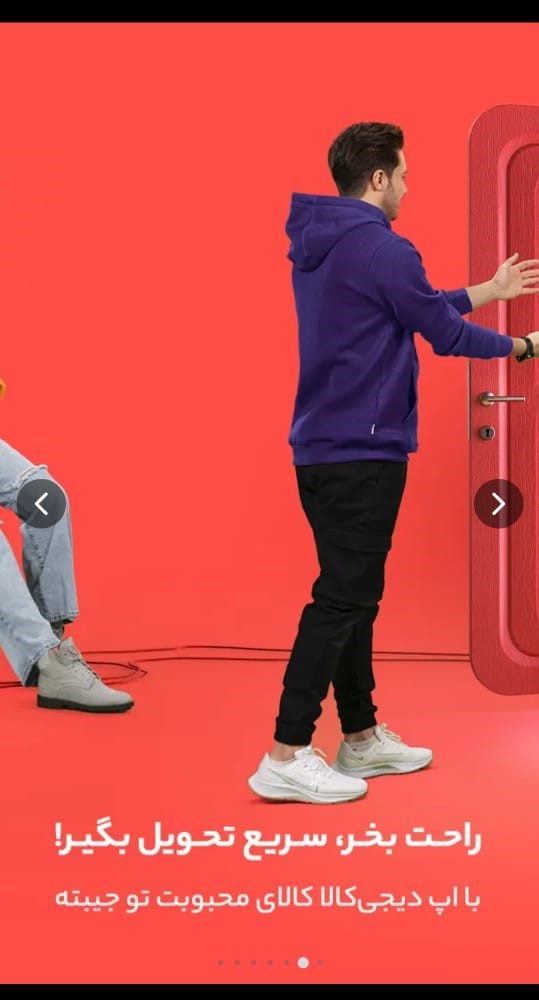
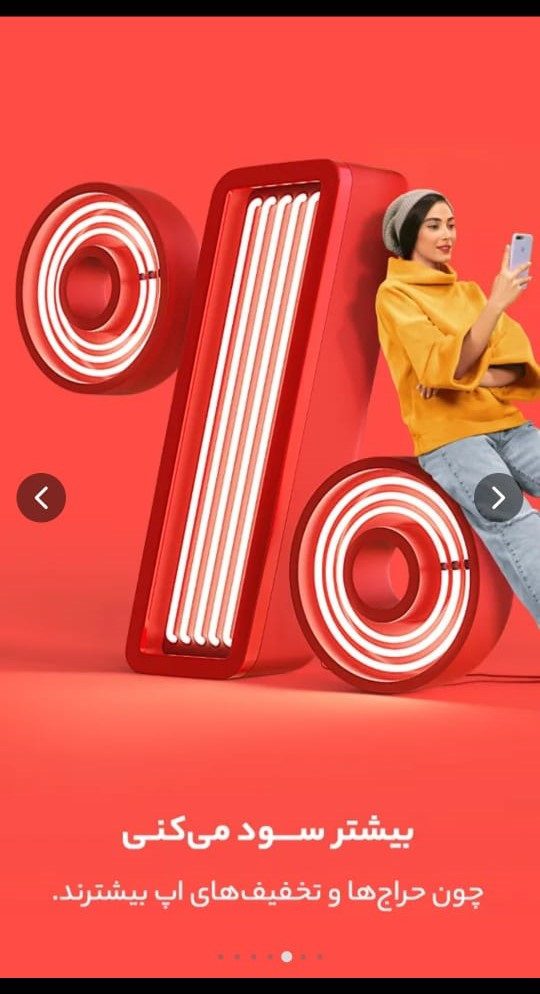
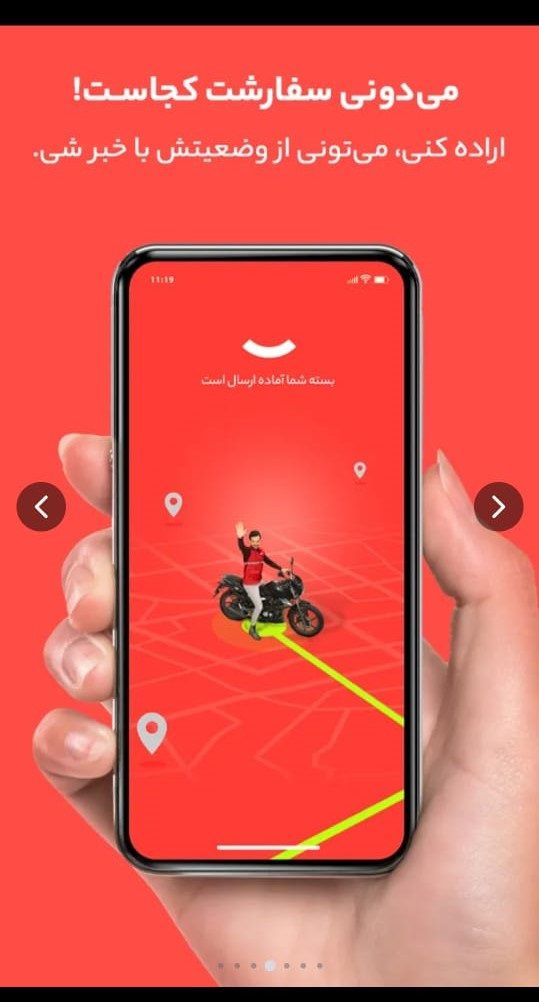
Successful, popular apps and games do not choose their images accidentally or without design. The images and screenshots you choose and design must tell a story and, when placed together, complete the explanation of your app's content.
These additional tips will help you select and design screenshots:
- When updating, create new images of the capabilities and features added to the new version.
- You can use short, clear messages in your images.