Account Agents
The Agents section improves management of apps in the developer panel. You can register someone as an agent and assign permissions appropriate to their work.
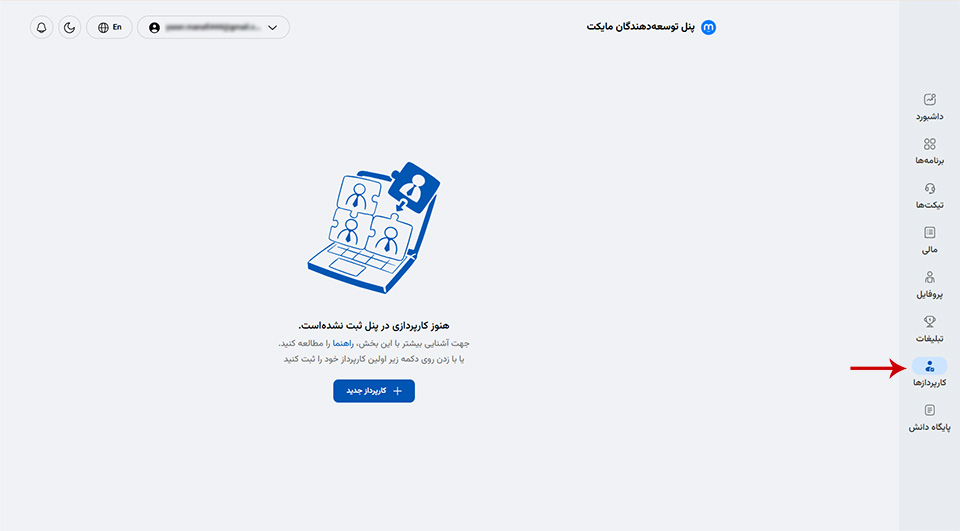
To register an agent, enter their information under New Agent and assign the desired permissions.
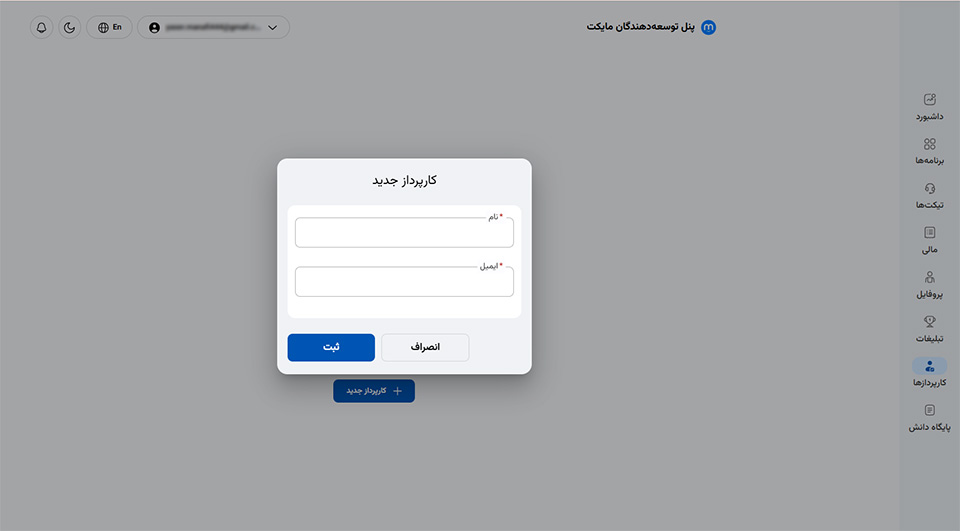
The agent's email must not have been previously registered on Myket as a developer or user. Each agent can be assigned to only one developer.
An agent can receive different types of access to one or several apps, with different permissions for each app.
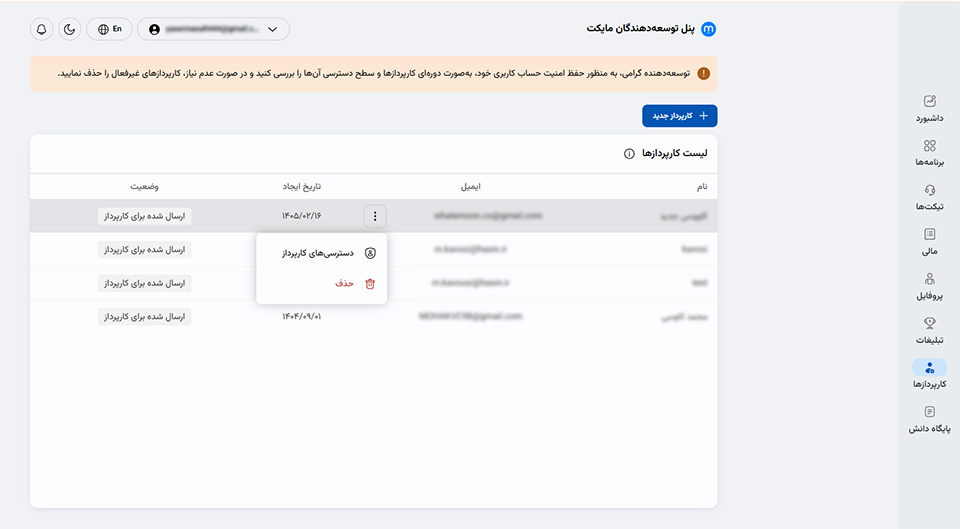
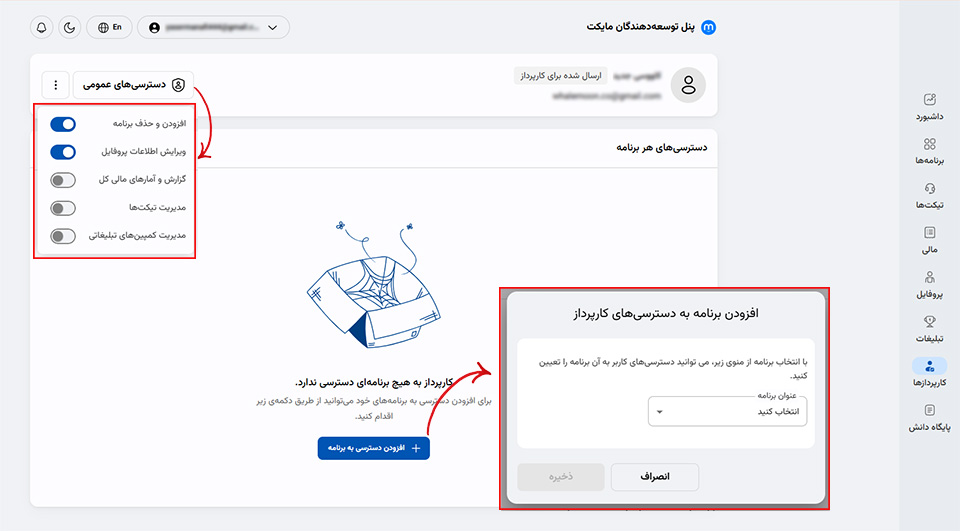
Once the developer registers the email address, the agent receives an email containing account login information. Depending on the permissions assigned for one or several apps, they can view the authorized sections in their dashboard.
You can also edit permissions in the Agents section at any time, or remove the email address to revoke the agent's access to information.
Full access lets an agent view and edit all information in the developer panel and provides access to every section, just like the original account owner.